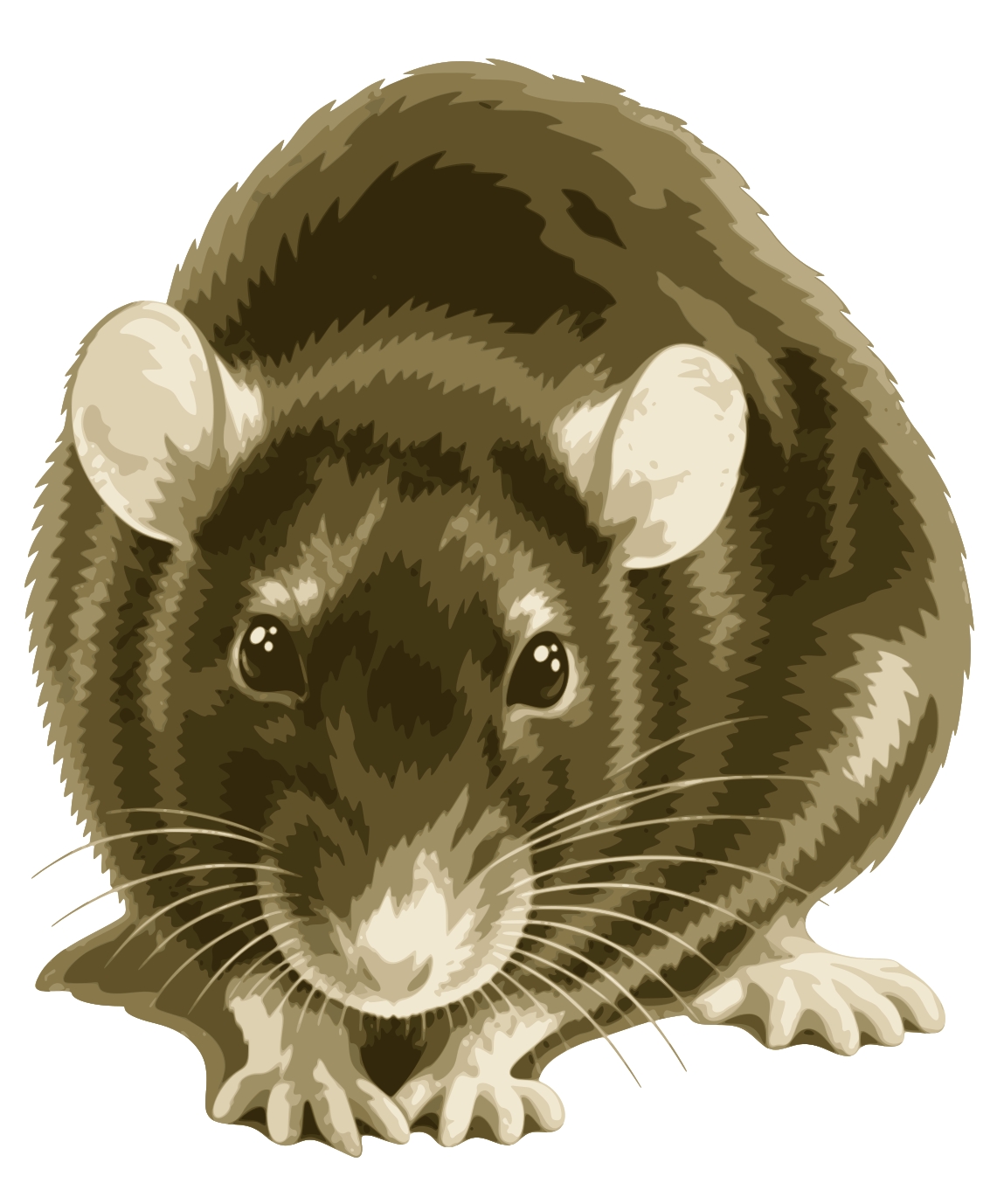
 FatRat
Drop-box
Desktop only. The web interface and fatrat-tui have no drop-box.
The drop-box is a small picture of a mouse trap that floats on your desktop. It stays above other windows, so you can always drop links onto it, even while the main window is hidden.

Dropping links
Drag a link from your web browser, or any selected text that holds links, and drop it onto the drop-box. The New transfer dialog opens with the dropped text in it, so you can check the links, pick the queue and start the download. If the New transfer dialog is already open, the dropped text is added to it.
The drop-box takes text only. If FatRat has no queue yet, nothing opens. See Transfers and Queues.
Showing and hiding it
The drop-box is hidden when FatRat starts. To show or hide it:
- Choose FatRat → Display the drop-box in the main window's menu. The same item is in the tray icon's menu.
- Middle-click the tray icon.
- Middle-click the drop-box itself, to hide it.
To move the drop-box, drag it with the left mouse button. FatRat remembers where you put it.
Settings
The settings are in Settings → Settings..., on the Drop-box page. The Settings menu also has a Drop-box item that opens that page directly.
- Height
- The size of the drop-box, from 50 to 1000 pixels. It is square, so this is also its width. The default is 100 px.
- Unhide the main window on drop
- When ticked, the main window is shown whenever you drop something onto the drop-box. Off by default.